Orientation and stacking: what each option allows
Orientation determines which face a piece may stand on and whether it may rotate. Stacking determines whether it may stand on other cargo or act as a base. Both fields are available in Add cargo and in the Cargo.
Orientation options
| Option | What is allowed | Example |
|---|---|---|
| Full rotation | All permutations of the three dimensions; any face may become the base | A sturdy box with no upright requirement |
| Upright with rotation | Height stays fixed; length and width may swap | The piece must remain upright but may turn 90° in plan view |
| Strictly upright | Original orientation only; length and width cannot swap | A fixed base and direction are required |
| No smallest base | The face with the smallest area is excluded | The item must not stand on its narrowest face |
Full rotation does not permit arbitrary diagonal tilting: the system permutes rectangular dimensions. All cube faces are equal, so No smallest base does not reduce a cube's available orientations.
Stacking options
| Name | Where it may stand | Whether other cargo may stand on it |
|---|---|---|
| Any stacking | On the floor or a valid support | Yes, if other conditions permit |
| Floor only | On the floor | No |
| Floor only, may support other cargo | On the floor | Yes, within load and support constraints |
| Top only | At the top of a stack; floor placement is also possible | No |
Name Top only does not guarantee second-tier placement. In the current calculation, its main effect is to prevent cargo being placed on top of the piece. It may remain on the floor if no suitable support exists or floor placement is preferable.
Choosing a combination
- Decide whether the cargo must remain upright. If so, choose an upright orientation option.
- Decide whether the piece itself may stand on other cargo. For a heavy base, choose Floor only, may support other cargo.
- If the top must not carry weight, enable fragility or choose the appropriate stacking rule.
- For limited load-bearing strength, enter Max. top load, kg.
- Save the row and check the global Allow stacking setting in the new calculation.
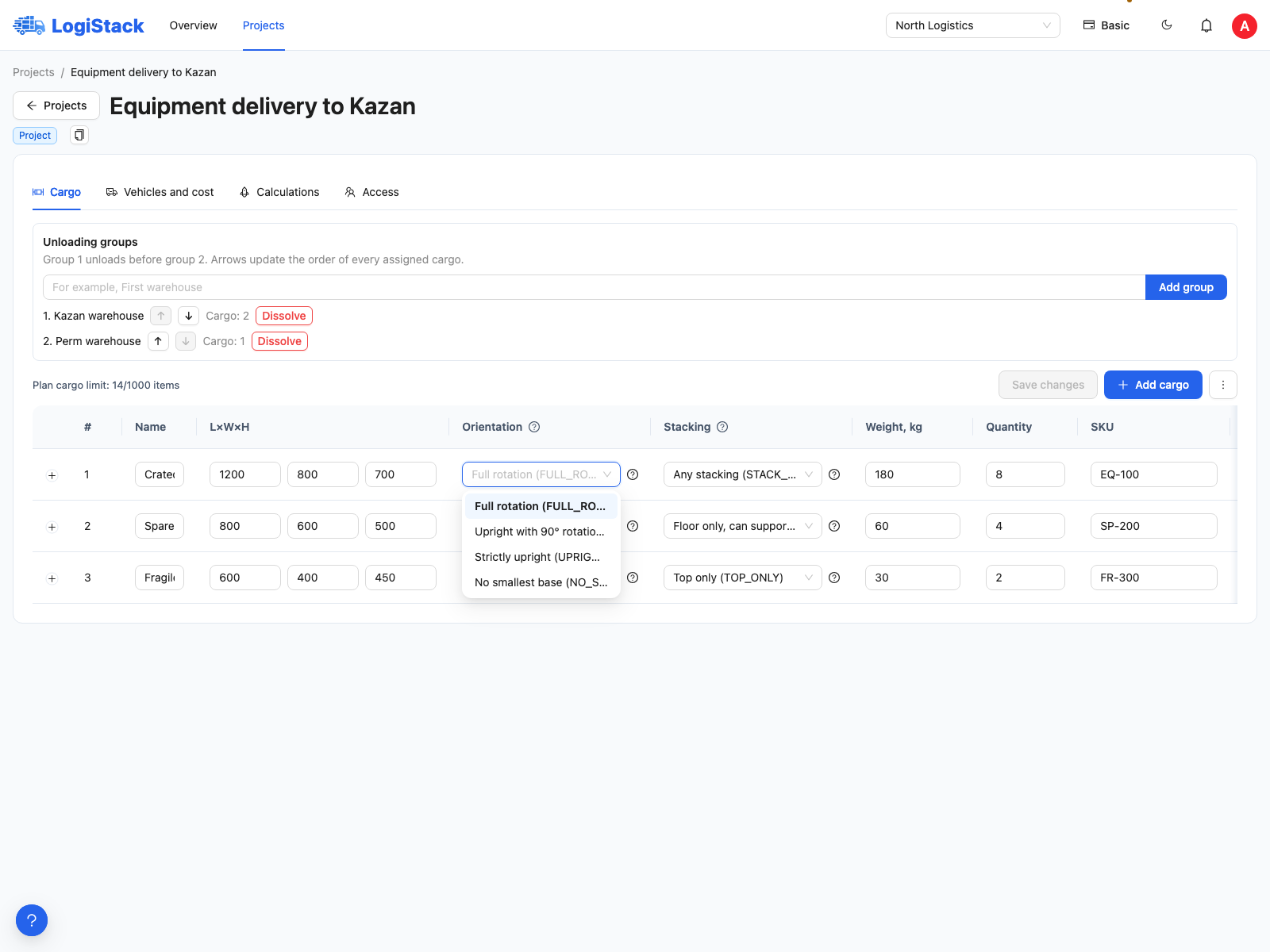
Orientation selection in a cargo row. The table below explains each option.
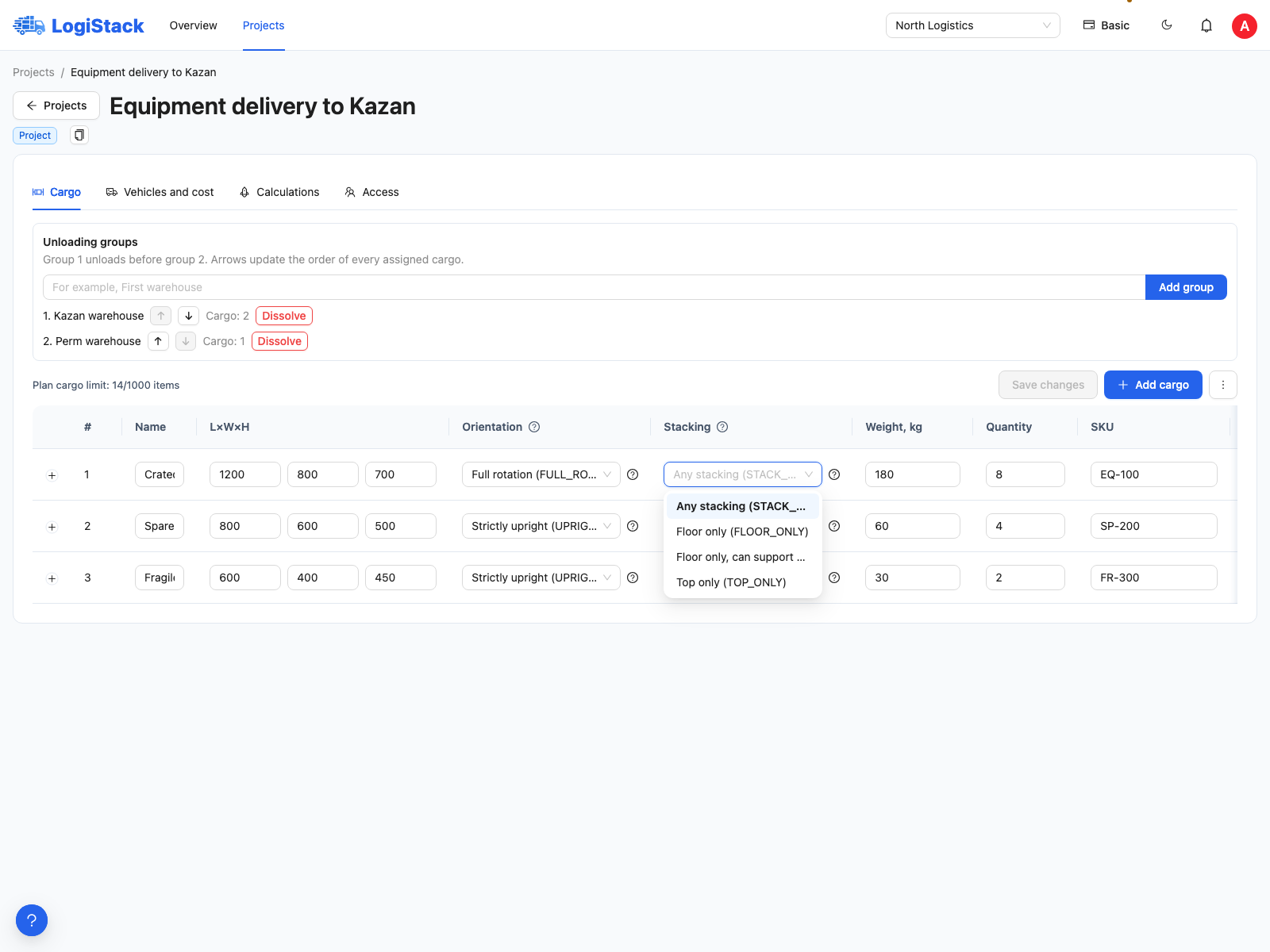
Stacking rules are separate from cargo rotation.
Why a crate did not rotate
For a 1200 × 800 mm piece, Strictly upright does not allow an 800 × 1200 mm base. If that turn is physically permitted, select Upright with rotation. Do not change source dimensions for each alternative.
A blank selection uses the project rule. Set it explicitly for cargo with important handling requirements. More about top loads and support area.