How to repeat a calculation and copy a shipment
Decide what you need to reuse: the same inputs for another attempt, the entire shipment as a separate project, or only the unplaced cargo. These actions serve different purposes.
In this article
| Task | Recommended action |
|---|---|
| Try another objective or fleet for the same shipment | A new calculation in the current project |
| Prepare a similar shipment with its own history | Copy in the project list |
| Calculate a separate shipment for the remaining cargo | Create project from unplaced cargo in the result |
| Rearrange a few pieces in an existing plan | Correct plan |
Another attempt in the current project
- Return to the project and check the current Cargo and Vehicles and cost tabs.
- On Calculations, click Create packing run.
- Give the alternative a distinctive name. Check the mode, objective, fleet, clearances, stacking and axle control.
- Start the calculation and compare it with the previous result.
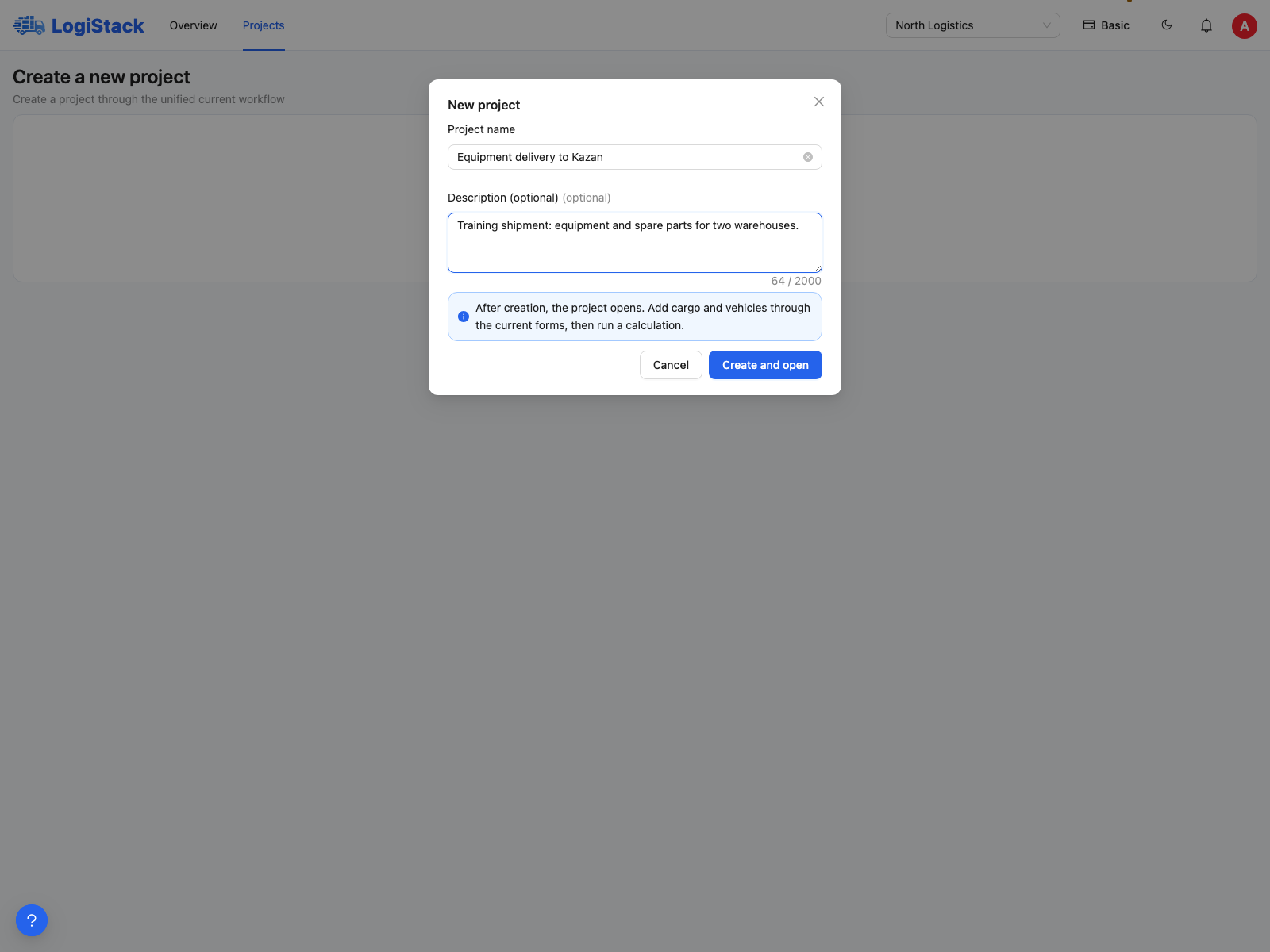
Create a separate project for a separate shipment; repeat the search within the existing project for the same shipment.
A new calculation uses the project's current saved inputs. If dimensions, quantities or vehicles have changed since the previous calculation, the new result represents the changed task. The earlier saved plan is not rearranged automatically.
A separate project based on an existing one
- Open the main Projects list.
- Choose Copy in the project's actions.
- Enter the New project name.
- Select Copy vehicles and/or Copy cargo.
- Click Copy, then check the new shipment and start its first calculation.
Clearing both checkboxes creates an empty project. Copying prepares inputs; results from the original project do not become calculations in the new project.
Example
Yesterday you shipped 30 identical crates; today you need 24. Copy the project with cargo and vehicles, change the quantity, check current prices and calculate a plan. Yesterday's history remains separate.
Frequently asked questions
Can I calculate a new shipment using only the remaining cargo? Yes, by creating a separate project from the result. The remaining pieces and their constraints are copied; you add vehicles yourself. See the guide to unplaced cargo.
Does creating a copy already consume a full calculation? No calculation starts until you use its separate action. Creating a project and starting a full calculation are different operations; check the relevant subscription limits.
About Copy parameters: in the current version, this opens a new calculation form without transferring the earlier settings. Set the objective, mode, fleet and loading requirements yourself before starting.
Which data belongs to an older calculation?
New calculations preserve their source parameters at launch. Editing the current project does not update earlier calculated geometry. Some source parameters in older results may be unverified. If the report displays this warning, check cargo, dimensions and prices before using it. See historical report data.